People say crawl and mean three different jobs. One walks a whole site. One stays on a list. One fetches a file of URLs you already have. Pick the wrong one and you either miss the records or spend the afternoon on pages that were never in scope.
This piece is the split. If you have not read the definition yet, start with what list crawling is. Then come back. The difference is mostly about where the crawl is allowed to go.
Web crawling follows the site
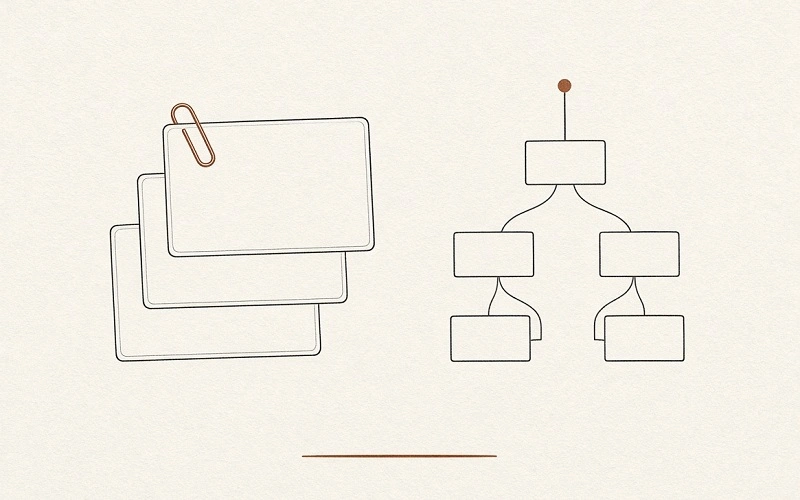
A web crawl starts at a seed URL, usually a homepage or a sitemap, and follows links. The crawler fetches a page, reads the links, adds the new ones to a queue, and repeats until it hits a stop: a depth limit, a page cap, a path in robots.txt, or no new URLs left.
That is how a search engine builds an index. It is also how a technical audit finds orphan pages, redirect chains, and broken links. The output is a map: URLs, status codes, and whatever else you asked the spider to record. Coverage is the point. You do not already know every page.
A spider is the same program under an older name. Fetching is one request. Parsing is reading fields out of what came back. None of those words change the shape of the job. If the crawler is deciding the next URL from links on the page, you are web crawling.
List crawling stays on the index
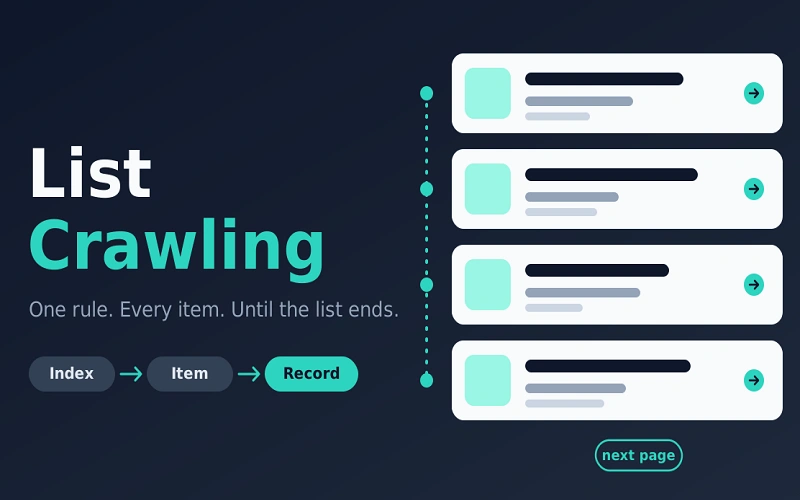
List crawling does not try to map the domain. It stays inside one directory, one category, one query. A category grid, a job board, a city directory, a search-results page: the cards share a shape. Title, price, place, rating, and a link.
The listing page is an index, not the record. Phase one walks that index, follows pagination, and builds a deduplicated set of item URLs. Phase two visits each item URL and reads the full record. The output is a table, one row per product, job, or business, not a folder of HTML.
You use this when the publisher already grouped the items. Catalogs, job boards, property listings, review blocks, local directories. You do not use it when the items are not siblings. A news article and a login wall do not share a card. And you do not use it when an API or a CSV already exists. That file is the list, already structured.
The third job: a URL-list audit
SEO teams use list crawl for something else. You already have the URLs, from a sitemap export, a redirect map, a content inventory, or a Search Console download. The crawler fetches that set and nothing else. No link following. After a migration you are not trying to find pages. You are confirming a list: status codes, canonicals, indexability, whether a moved URL answers as it should.
Hand a category URL to that audit crawler and turn off link following, and you learn about one page. Hand a migration file to a discovery spider, and you crawl pages that were not in the file. Say which job you mean before you pick the tool.
Side by side
| Web crawling | List crawling | URL-list audit | |
|---|---|---|---|
| Input | A seed URL | An index URL | A file of known URLs |
| Discovery | Follows links across the site | Stays on the list and its pager | None |
| Output | A page map | Item records | A fetch report per URL |
| Best for | Indexing, site audits, finding gaps | Catalogs, jobs, directories | Migration checks, known-page audits |
| Typical failure | Wandered into junk paths | Stopped at page one | Checked the wrong set |
How to choose in one minute
Ask where the URL list comes from.
If you do not have it, and no sitemap covers it, you need a web crawl. The job is discovery.
If the site already shows the items on a category or search page, you need a list crawl. The job is to exhaust that index and read each record once. Count is the test. If the site says 214 results and you stored 90 URLs, you did not finish. Pagination, load-more, and infinite scroll are the usual reason. A facet, a brand or a city, is a new list, not a cosmetic filter.
If you already trust the file, you need a URL-list audit. Do not let the crawler add URLs. The contract is every URL in the file, once.
What both jobs still share
robots.txt, in RFC 9309, is a request to crawlers, not an authorization system. Read it anyway, match your user-agent, and refresh it on a long run. Terms, copyright, and privacy law are separate. A page you can open is not automatically a page you may copy in bulk. In the United States, hiQ Labs v. LinkedIn held that the Computer Fraud and Abuse Act does not, by itself, cover reading public pages that need no login. That is not a permission slip. Names, emails, and phone numbers can still be personal data.
Neither job is a method for taking data from behind a login or building a contact list from harvested addresses. Public business facts are the ordinary subject.
Summery
Web crawling finds pages. List crawling reads a repeating index until the list ends. A URL-list audit checks a file you already have. Name the job, then run it. Collect the index completely, or the file completely, and stop when the publisher has said no.